Microsoft Is Making Passkeys the Default: What Businesses Need to Know Before September 1, 2026
Microsoft Entra ID is about to change how millions of business users authenticate. Beginning September 1, 2026, passkeys become the default authentication experience for users currently enabled for SMS or voice authentication. For businesses, the important question is not whether passwords disappear overnight. It is whether their identity-security strategy is ready for Microsoft's move toward phishing-resistant authentication.
The Short Version
On September 1, 2026, Microsoft Entra ID will begin making passkeys the default authentication experience. Users who are enabled for SMS or voice authentication will be automatically enabled for passkeys and can be prompted to register one after completing multifactor authentication.
This does not mean Microsoft SMS MFA is shut off on September 1. Microsoft's current timeline says its own telecom delivery for SMS and voice authentication will be retired on February 1, 2027. Organizations that still depend on those methods will need to migrate users to stronger authentication or use a customer-managed telecom provider when that option is available.
What businesses need to know
- September 1, 2026: passkeys become the default Entra authentication experience for users in scope.
- Users affected first: users enabled for SMS or voice in the Authentication Methods Policy or legacy MFA settings.
- User experience: affected users can be nudged to register a passkey after MFA sign-in.
- February 1, 2027: Microsoft-provided SMS and voice telecom delivery is scheduled to retire.
- Best preparation: inventory authentication methods, pilot passkeys, secure privileged accounts, document recovery, and reduce dependency on phishable MFA.
What Exactly Is Microsoft Changing on September 1, 2026?
Microsoft is changing the default authentication direction of Microsoft Entra ID. According to Microsoft's published rollout guidance, users enabled for SMS or voice authentication in the Entra Authentication Methods Policy — or in certain legacy MFA settings — will be automatically enabled for passkeys.
Microsoft will also place those users into scope for its registration campaign. After an affected user signs in and completes MFA, Microsoft can prompt the user to register a passkey on an eligible device. Microsoft's documentation says the default registration nudge allows users to snooze, so September 1 should not be interpreted as an immediate hard lockout for every user.
The business significance is broader than a new sign-in screen. Microsoft is clearly steering Entra tenants away from authentication methods that rely on passwords, one-time codes, SMS delivery, or other factors that can be captured or socially engineered.
Microsoft's published transition timeline
| Date | Microsoft Entra change | Business action |
|---|---|---|
| September 1, 2026 | Users enabled for SMS or voice are automatically enabled for passkeys and can be prompted to register after MFA sign-in. | Communicate the change, identify affected users, test supported passkey methods, and prepare help-desk guidance. |
| September 18, 2026 | Microsoft says it plans to publish additional information about supported customer-managed telecom providers, pricing, and commercial terms. | Organizations with a documented need to retain SMS or voice should evaluate the available provider model. |
| February 1, 2027 | Microsoft-provided telecom delivery for SMS and voice authentication is scheduled to retire in Entra ID. | Complete migration to phishing-resistant methods or have an approved alternative telecom arrangement in place. |
| After February 1, 2027 | Users whose only available MFA method is Microsoft-provided SMS or voice can face a blocking requirement to register a passkey before continuing sign-in. | Avoid reaching this point without a tested migration and account-recovery process. |
No, SMS MFA Is Not Being Switched Off on September 1
This distinction matters because security headlines can easily compress a multi-stage transition into a misleading statement such as “Microsoft is killing SMS MFA in September.”
That is not Microsoft's published timeline.
September 1, 2026 is the passkey-default milestone. The retirement of Microsoft-provided telecom delivery for SMS and voice is scheduled for February 1, 2027.
Microsoft has also documented a temporary opt-out path for the September automatic passkey enablement while organizations complete transition work. However, that should be treated as a migration tool rather than a long-term security strategy. Microsoft states that there is no opt-out from the February 2027 behavior once its native SMS and voice delivery is retired.
Why Microsoft Is Pushing Businesses Toward Passkeys
The core problem is that many common authentication methods still depend on a secret that can be copied, intercepted, entered into the wrong website, or socially engineered from the user.
Passwords are the obvious example. One-time codes improve security, but they can still be phished. SMS introduces additional exposure through social engineering, SIM swapping, telecom compromise, number reassignment, and real-time adversary-in-the-middle attacks. Push-based MFA can also be abused through repeated approval prompts or sophisticated session-stealing workflows.
Passkeys change the authentication model by using public-key cryptography.
Instead of a server and user sharing a reusable secret such as a password, the authenticator holds a private key while the service retains the corresponding public key. The private key is not sent to Microsoft during sign-in. The authenticator proves possession of the private key and requires the legitimate user to unlock the credential with a local method such as a PIN, fingerprint, face recognition, or security-key gesture.
This architecture is why Microsoft classifies FIDO2 passkeys as phishing-resistant authentication. A user cannot simply type the passkey into a fake Microsoft sign-in page because there is no reusable passkey secret to type or disclose.
What Is a Passkey?
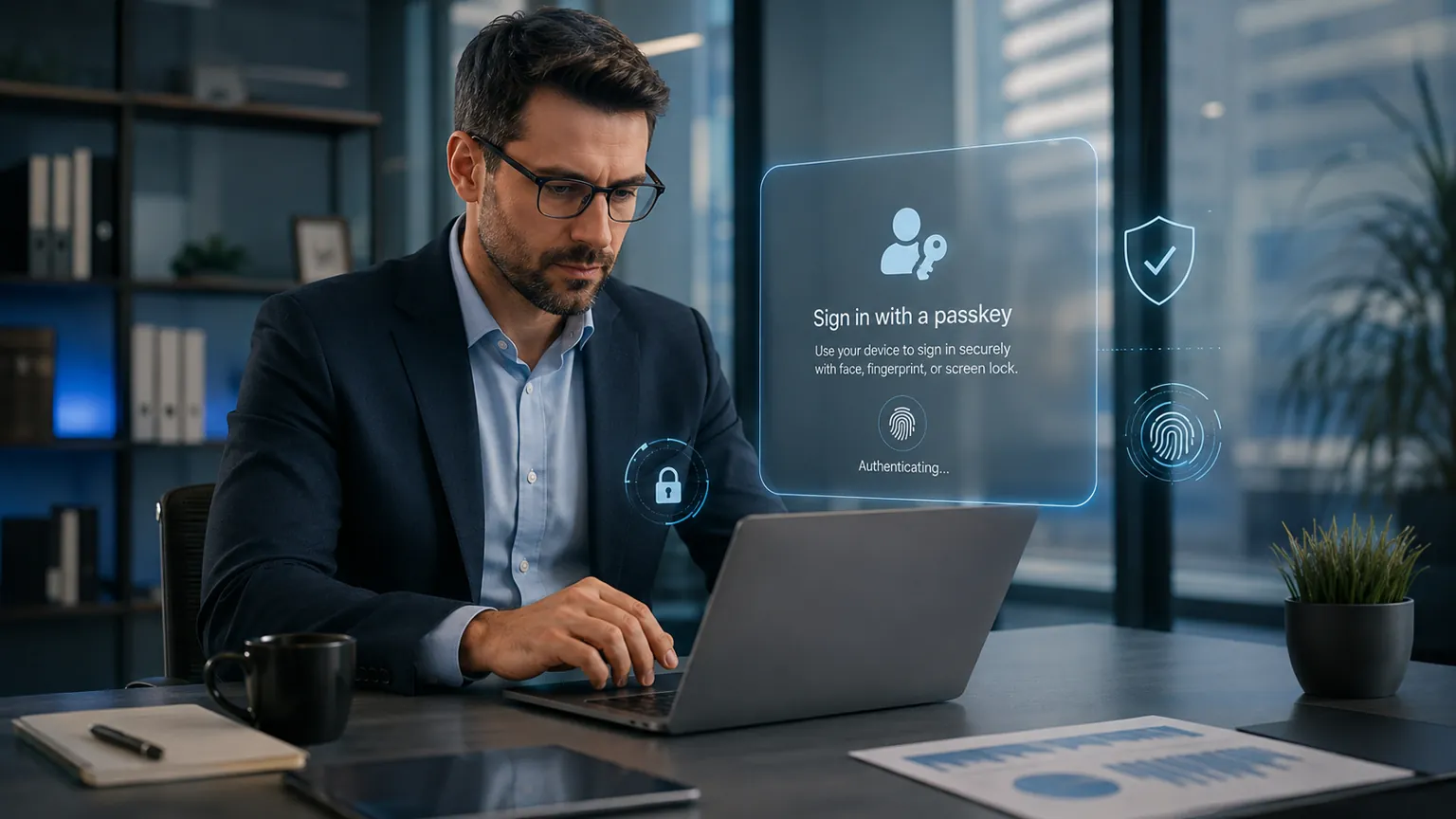
A passkey is a FIDO2/WebAuthn credential based on asymmetric cryptography. In practical terms, it lets a user authenticate with a trusted device, password manager, Microsoft Authenticator, Windows Hello container, or hardware security key instead of relying on a password plus a phishable second factor.
A simplified authentication comparison
| Method | What the user provides | Phishing resistance | Business consideration |
|---|---|---|---|
| Password only | Reusable password | No | Should not be relied on as the sole control for business accounts. |
| SMS code | Password plus one-time code delivered by telecom network | No | Better than password-only authentication, but Microsoft is moving away from native SMS delivery. |
| Authenticator one-time password | Password plus rotating code | No | Does not depend on the SMS network, but the code can still be entered into a phishing site. |
| Push-based MFA | Approval or number matching in an authenticator app | Improved, but not equivalent to FIDO2 phishing resistance | Useful in many environments, but organizations should understand where stronger authentication is warranted. |
| FIDO2 passkey | Cryptographic proof unlocked locally by the user | Yes | Microsoft's preferred migration direction for Entra users. |
| FIDO2 hardware security key | Device-bound cryptographic credential on physical key | Yes | Strong option for administrators, regulated environments, and users with elevated privilege. |
One important clarification: passkeys are not “instead of MFA” in the simplistic sense. A passkey is an authentication method. Depending on the authenticator, user verification, and Entra policy, a FIDO2 passkey can satisfy strong or phishing-resistant authentication requirements. The real comparison is not “passkey versus security.” It is phishing-resistant authentication versus authentication that still depends on phishable secrets or channels.
What Types of Passkeys Can Microsoft Entra ID Use?
Microsoft Entra ID now supports both synced and device-bound passkey scenarios. That flexibility is useful, but it also means businesses should make an intentional policy decision rather than simply enabling every possible authenticator for every user.
Synced passkeys
Synced passkeys can be stored by a supported credential provider and synchronized across a user's devices. Microsoft documentation references providers such as iCloud Keychain and Google Password Manager, with support scenarios also extending to compatible third-party credential managers.
Synced passkeys can make deployment and recovery easier for mobile and multi-device users. Organizations should still evaluate their device ownership, data-handling, credential-provider, and regulatory requirements before deciding whether synced credentials are appropriate for every employee population.
Device-bound passkeys
Device-bound credentials remain tied to a specific authenticator or device. Examples include passkeys stored on a physical FIDO2 security key, in Microsoft Authenticator, or in certain Windows passkey scenarios.
Microsoft specifically describes FIDO2 hardware security keys as a strong option for users with elevated privileges and highly regulated environments because the private key remains on the physical authenticator.
Microsoft Entra passkeys on Windows
Microsoft Entra passkeys on Windows can be stored in the local Windows Hello container and unlocked by a Windows Hello PIN, fingerprint, or facial recognition. Microsoft notes that this is distinct from Windows Hello for Business and does not replace it. For managed Microsoft Entra joined or registered corporate devices, Windows Hello for Business remains an important enterprise authentication model.
Which Businesses and Users Should Pay the Most Attention?
Any organization using Microsoft 365 or Microsoft Entra ID should understand the change, but the transition deserves particular attention where identity compromise would create significant operational or financial impact.
- Global administrators and privileged IT accounts because compromise can affect the entire tenant.
- Finance and accounting teams because attackers frequently target payment workflows and business email accounts.
- Executives because executive identities can expose sensitive communications and authorize high-value actions.
- Remote and hybrid workers who authenticate across many networks and devices.
- Healthcare, legal, financial, and regulated organizations where identity controls are part of a larger compliance and risk-management program.
- Businesses that still rely heavily on SMS MFA and have not recently reviewed their authentication-method inventory.
- Organizations with limited internal IT staff that may not notice policy changes until users begin receiving registration prompts.
What Microsoft 365 and Entra Administrators Should Review Now
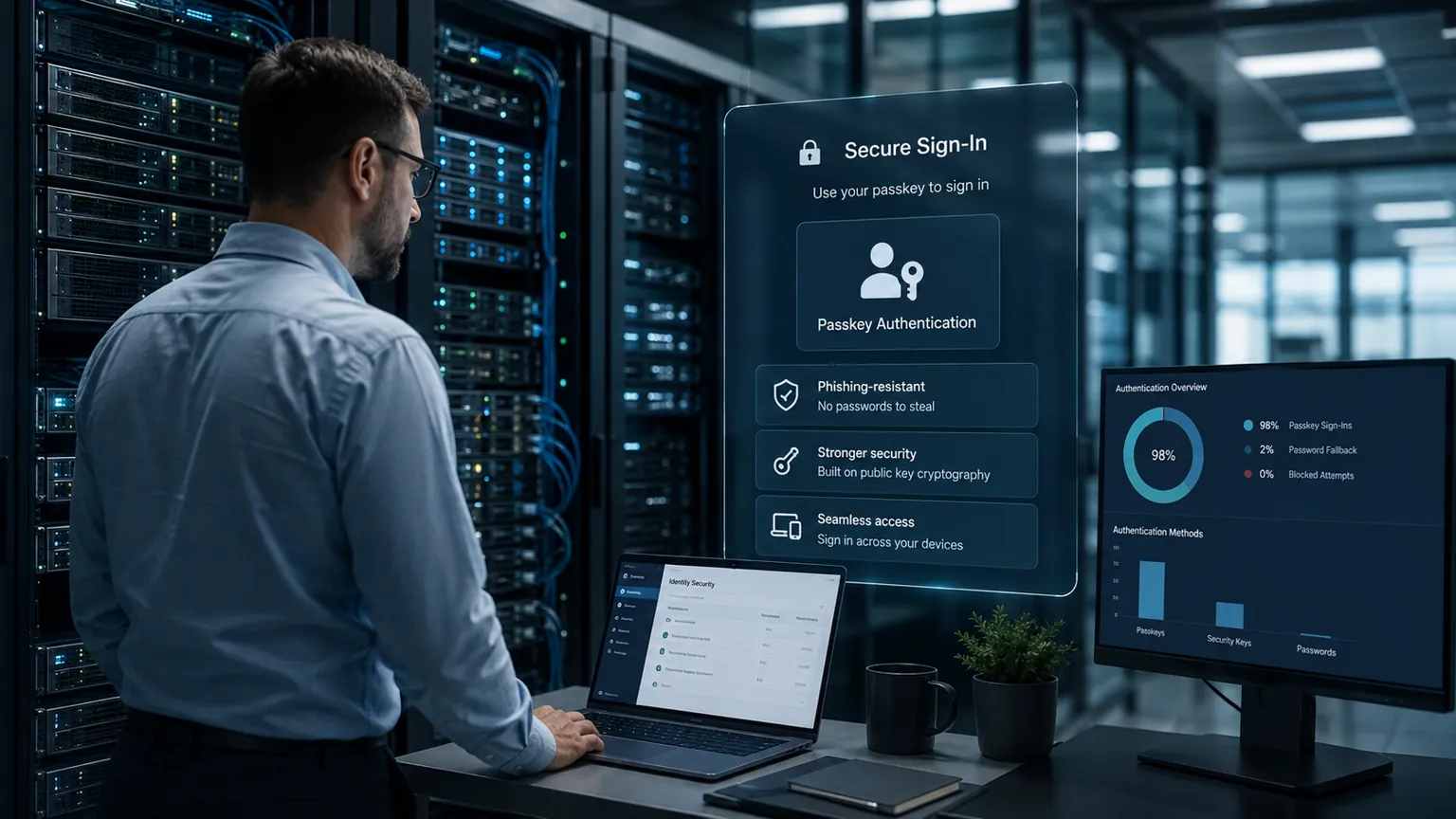
A successful passkey rollout is not just an “enable” button. Administrators should understand the Authentication Methods Policy, the available passkey profiles, which user groups are targeted, which authenticator types are allowed, and how account recovery works if a device is lost.
1. Review the Authentication Methods Policy
Microsoft recommends the modern Authentication Methods Policy for managing sign-in methods. In the Microsoft Entra admin center, administrators can review:
Entra ID → Security → Authentication methods → Policies
The first goal is visibility: identify which users still rely on SMS or voice and which users already have phishing-resistant methods registered.
2. Review Passkey (FIDO2) configuration
Microsoft's current configuration flow allows an Authentication Policy Administrator to enable passkey profiles, define whether self-service setup is allowed, select allowed passkey types, configure attestation behavior, and target the policy to specific groups.
Microsoft currently supports a profile model that can distinguish between device-bound and synced passkey types. This gives organizations the ability to create a more controlled rollout instead of treating every user and every authenticator identically.
3. Use a pilot group before broad deployment
Start with a representative group that includes IT, standard employees, mobile users, remote workers, and at least one high-impact business workflow. Test registration, normal sign-in, new-device scenarios, lost-device recovery, browser compatibility, and help-desk escalation.
4. Prepare the registration campaign
Microsoft Entra's registration campaign can prompt users to configure a passkey after they sign in and complete MFA. Organizations can use this proactively rather than waiting for the September default behavior to surprise employees.
5. Decide whether to require phishing-resistant authentication for sensitive access
Organizations with the appropriate licensing can use Microsoft Entra Conditional Access and authentication strengths to require phishing-resistant authentication for sensitive resources or privileged users.
Licensing note: Microsoft states that the passkey (FIDO2) authentication method itself is available across Microsoft Entra ID editions, including Entra ID Free, with no extra passkey license. Conditional Access is a separate capability and generally requires Microsoft Entra ID P1 or an eligible Microsoft 365 plan such as Business Premium.
A 12-Point Microsoft Passkey Readiness Checklist for Businesses
- Inventory authentication methods. Determine how many users still depend on SMS, voice, OTP, push MFA, Windows Hello, passkeys, or FIDO2 security keys.
- Identify privileged identities. Global admins, security admins, finance admins, service owners, and other elevated roles should receive priority.
- Review legacy MFA settings. Do not assume every user is governed exclusively by the modern Authentication Methods Policy.
- Confirm passkey policy scope. Decide which groups will receive passkey access and which passkey types are appropriate.
- Enable self-service registration where appropriate. Microsoft notes that users cannot register through Security info when self-service setup is disabled.
- Run a pilot. Validate enrollment and sign-in across your real device, browser, mobile, and remote-work mix.
- Test account recovery. A stronger sign-in method does not help if recovery becomes an insecure backdoor or an operational dead end.
- Document lost-device procedures. Define how users report lost phones, security keys, and laptops and how credentials are revoked.
- Train the help desk. Support staff should recognize legitimate registration prompts and know how to distinguish them from phishing attempts.
- Protect administrators first. Consider device-bound FIDO2 credentials or other phishing-resistant methods for the highest-risk identities.
- Review Conditional Access. If licensed, use authentication strengths and policy controls to align strong authentication with sensitive applications.
- Track the February 2027 deadline. Do not treat September's rollout as the end of the project. Microsoft-provided SMS and voice delivery has a separate retirement date.
Technical Details That Can Matter During Deployment
The following details are easy to overlook during planning:
- Recent MFA is required for registration: Microsoft's passkey documentation states that users need to have completed MFA within the previous five minutes before registering a passkey.
- Guest-user limitations exist: Microsoft currently documents that passkey registration is not supported for internal or external guest users in the resource tenant.
- UPN changes require cleanup: when a user's User Principal Name changes, Microsoft says an existing FIDO2 passkey cannot simply be modified to reflect the change; the user needs to remove the old credential and register a new one.
- Windows passkeys and Windows Hello for Business are not identical: organizations should avoid treating the two as interchangeable in endpoint-management planning.
- Passkey-provider policy matters: synced and device-bound models have different operational, ownership, recovery, and security characteristics.
- Recovery is part of identity security: organizations should verify that password reset, Temporary Access Pass, help-desk identity proofing, and device-loss processes do not undermine the stronger primary sign-in method.
What This Means for South Florida Businesses
The Microsoft Entra change is global, not a South Florida-specific security event. However, businesses in Miami, Miami Lakes, Fort Lauderdale, Broward County, and the wider South Florida market use the same Microsoft 365 identity infrastructure affected by this transition.
For small and mid-sized organizations, the biggest risk is often not that the technology is unavailable. It is that authentication settings evolve over years without a deliberate identity strategy. Employees join and leave. Temporary exceptions become permanent. Older MFA methods remain enabled. Administrator accounts inherit weak recovery paths. Nobody is certain which accounts still depend on SMS until a policy change exposes the problem.
That is why the September 2026 change should be treated as an opportunity to review the entire authentication lifecycle rather than as a one-time Microsoft notification.
A Practical Migration Plan
Phase 1: Discovery
- Identify Microsoft Entra tenants, administrative roles, authentication policies, and legacy MFA settings.
- Export or review users relying on SMS and voice.
- Document device ownership and supported operating systems.
- Identify high-risk or regulated user populations.
Phase 2: Policy design
- Choose allowed passkey types.
- Define whether synced passkeys are appropriate for each population.
- Define hardware security-key requirements for privileged users where appropriate.
- Review attestation, AAGUID restrictions, and self-service registration settings.
- Review Conditional Access and authentication-strength requirements if licensed.
Phase 3: Pilot
- Enroll a small cross-functional user group.
- Test sign-in across Windows, mobile, browsers, remote work, and supported applications.
- Test device replacement and credential revocation.
- Measure help-desk questions and registration failures.
Phase 4: User rollout
- Communicate why Microsoft is changing authentication.
- Tell users what a legitimate registration prompt looks like.
- Provide concise enrollment instructions.
- Track users who remain dependent on SMS or voice.
Phase 5: Enforcement and cleanup
- Reduce or remove obsolete authentication methods where business requirements allow.
- Require stronger authentication for privileged or sensitive access.
- Confirm recovery methods remain secure.
- Continue monitoring sign-in and authentication-method changes after rollout.
Five Mistakes to Avoid
- Waiting until February 2027. The technical deadline is not the right date to begin discovery.
- Assuming every MFA method provides the same protection. SMS, OTP, push, passkeys, and FIDO2 security keys have different attack characteristics.
- Rolling out without recovery testing. Strong authentication paired with weak recovery can still expose accounts.
- Ignoring privileged accounts. Administrator identities deserve stronger controls than ordinary low-risk workflows.
- Sending users vague instructions. A confusing rollout creates support volume and makes employees more vulnerable to fake “security upgrade” phishing messages.
How CompuAce Helps Businesses Prepare for Microsoft Identity Changes
Microsoft 365 security is not just a licensing decision. It depends on tenant configuration, identity policy, endpoint posture, user behavior, recovery design, logging, and ongoing administration.
CompuAce helps South Florida businesses evaluate and manage the technology environments they rely on, including Microsoft 365 security, identity and access controls, managed IT, cybersecurity, cloud infrastructure, endpoint management, and operational IT planning.
A practical Microsoft identity review can include:
- Authentication-method inventory
- Microsoft Entra configuration review
- SMS and voice dependency analysis
- Passkey and FIDO2 rollout planning
- Privileged-account protection
- Conditional Access review where licensed
- Account-recovery and offboarding procedures
- Microsoft 365 administrative security
- User enrollment and security-awareness planning
- Ongoing monitoring and managed IT support
The goal is not to chase every Microsoft product change. The goal is to maintain an identity environment where authentication methods, recovery processes, administrator privileges, and user access are intentional, documented, and aligned with current security guidance.
Learn more about CompuAce IT and cybersecurity solutions, our company and South Florida experience, and our editorial and sourcing standards.
Is Your Microsoft 365 Environment Ready for the Passkey Transition?
If you are not sure which employees still rely on SMS MFA, whether your Entra authentication policies are current, or how to roll out phishing-resistant authentication without disrupting users, now is the right time to review the environment.
Request a Microsoft 365 Security Review
Microsoft Passkeys FAQ
What is changing with Microsoft Entra passkeys on September 1, 2026?
Beginning September 1, Microsoft Entra ID will make passkeys the default authentication experience. Users who are enabled for SMS or voice authentication can be automatically enabled for passkeys and prompted to register one after completing MFA.
Is Microsoft turning off SMS MFA on September 1, 2026?
No. September 1 is the passkey-default milestone. Microsoft's published date for retirement of Microsoft-provided SMS and voice telecom delivery is February 1, 2027.
When will Microsoft-provided SMS and voice authentication be retired?
Microsoft currently says February 1, 2027. Organizations that still have a business requirement for SMS or voice will need to migrate users or evaluate customer-managed telecom-provider options.
Do Microsoft Entra passkeys require an additional license?
Microsoft states that passkeys (FIDO2) are available in all Microsoft Entra ID editions, including Entra ID Free, and do not require an additional license for the authentication method itself. Features such as Conditional Access have separate licensing requirements.
Are passkeys the same thing as MFA?
Passkeys are an authentication method. In Microsoft Entra, FIDO2 passkeys provide phishing-resistant authentication and can satisfy strong authentication requirements depending on the authenticator and policy. They should not be thought of as merely “another code” added after a password.
Why are passkeys resistant to phishing?
Passkeys use public-key cryptography and bind authentication to the legitimate service. The user does not type a reusable passkey secret into a website, so an attacker operating a fake sign-in page cannot simply capture the credential the way they can capture a password or one-time code.
What should businesses do before September 1?
Start by identifying users still enabled for SMS or voice, reviewing the Authentication Methods Policy, deciding which passkey types are appropriate, piloting registration, preparing help-desk guidance, protecting administrator accounts, and testing recovery procedures.
Sources & Editorial Transparency
This article is based primarily on Microsoft first-party documentation and product guidance. Technical claims and dates were reviewed against the sources below on August 27, 2026.
- Microsoft Learn — Passkeys by default and retirement of Microsoft-provided SMS and voice authentication
- Microsoft Security Blog — Microsoft Entra ID security updates: Passkeys are the default authentication method in Entra ID
- Microsoft Learn — How to enable passkeys (FIDO2) in Microsoft Entra ID
- Microsoft Learn — Manage authentication methods in Microsoft Entra ID
- Microsoft Learn — Register a passkey with a FIDO2 security key
- Microsoft Learn — Register a synced passkey (FIDO2)
- Microsoft Learn — Microsoft Entra passkey on Windows
- Microsoft Learn — Microsoft Entra licensing
Editorial note: Microsoft cloud services and authentication policies evolve over time. This article reflects publicly available Microsoft guidance reviewed on August 27, 2026. Organizations should verify current Microsoft documentation and their own tenant configuration before making production changes.
By CompuAce Team —