
Remote Work Security: Best Practices for 2024
Remote work is here to stay, but it introduces unique security challenges. Here's how to keep your distributed team secure.
The Remote Work Security Challenge
When employees work from home, corporate data leaves the protected office network. Home Wi-Fi, personal devices, and unsecured connections create vulnerabilities that attackers eagerly exploit.
Essential Security Measures
1. Virtual Private Networks (VPNs)
Require all remote workers to use VPNs when accessing company resources. VPNs encrypt traffic and protect data even on unsecured networks.
2. Multi-Factor Authentication (MFA)
Enable MFA on all business applications and systems. This single step prevents most unauthorized access attempts.
3. Endpoint Security
Deploy comprehensive endpoint protection on all devices:
- Anti-malware software
- Endpoint Detection and Response (EDR)
- Regular security updates
- Device encryption
4. Zero Trust Architecture
Never trust, always verify. Implement zero trust principles:
- Verify every access request
- Use least-privilege access
- Segment networks
- Monitor continuously
5. Secure Home Wi-Fi
Educate employees on securing home networks:
- Change default router passwords
- Use WPA3 encryption
- Separate IoT devices from work devices
- Keep router firmware updated
6. Cloud Security
Secure cloud applications with:
- Single Sign-On (SSO)
- Cloud Access Security Brokers (CASB)
- Data Loss Prevention (DLP)
- Regular access reviews
Device Management
Company-Owned Devices
- Easier to secure and manage
- Consistent security policies
- Full control over configurations
BYOD (Bring Your Own Device)
- Mobile Device Management (MDM) required
- Containerization to separate work/personal
- Clear acceptable use policies
- Remote wipe capabilities
Employee Training
Remote workers need ongoing security awareness training:
- Phishing recognition
- Social engineering tactics
- Physical security (securing home office)
- Incident reporting procedures
Secure Communication
Video Conferencing Security
- Use password-protected meetings
- Enable waiting rooms
- Disable screen sharing by default
- Record only when necessary
Messaging and Collaboration
- Use enterprise collaboration tools
- Prohibit shadow IT
- Enable end-to-end encryption
- Set data retention policies
Data Protection
Backup Strategy: Ensure remote devices are included in backup policies
Data Classification: Label data by sensitivity and restrict access accordingly
Encryption: Encrypt data at rest and in transit
Access Controls: Implement role-based access control (RBAC)
Monitoring and Response
Security Monitoring: Monitor remote endpoints for suspicious activity
Logging: Maintain comprehensive logs for security investigations
Incident Response: Have clear procedures for security incidents involving remote workers
Regular Audits: Conduct periodic security assessments of remote work infrastructure
Policy and Governance
Create clear policies covering:
- Acceptable use of company resources
- Personal device usage
- Home network security requirements
- Physical security of devices and documents
- Reporting security concerns
- Consequences for policy violations
Physical Security
Don't forget physical security:
- Lock devices when unattended
- Secure home office workspace
- Proper disposal of sensitive documents
- Privacy screens in public spaces
Common Remote Work Threats
Phishing: Remote workers are prime targets for sophisticated phishing campaigns
Unsecured Wi-Fi: Coffee shop Wi-Fi and other public networks
Home Network Attacks: Compromised home routers
Shoulder Surfing: Visual eavesdropping in public spaces
Family Member Access: Unauthorized access by household members
Measuring Security Effectiveness
Track these metrics:
- Security incident rates
- Phishing simulation results
- Patch compliance rates
- MFA adoption rates
- Security training completion
Looking Ahead
Remote work security is an ongoing process, not a one-time project. Regular updates, continuous monitoring, and adaptive policies keep your remote workforce secure.
Need help securing your remote workforce? Contact us for a remote work security assessment.
CompuAce Team
Senior IT consultants, cybersecurity specialists, and database engineers at Advanced Consulting Enterprises — operating in South Florida from our Miami Lakes office since 1984.
Read more about our editorial team →Need IT Support for Your Business?
Talk with a senior consultant from our Miami Lakes team — no pressure, no sales script.
Related Articles
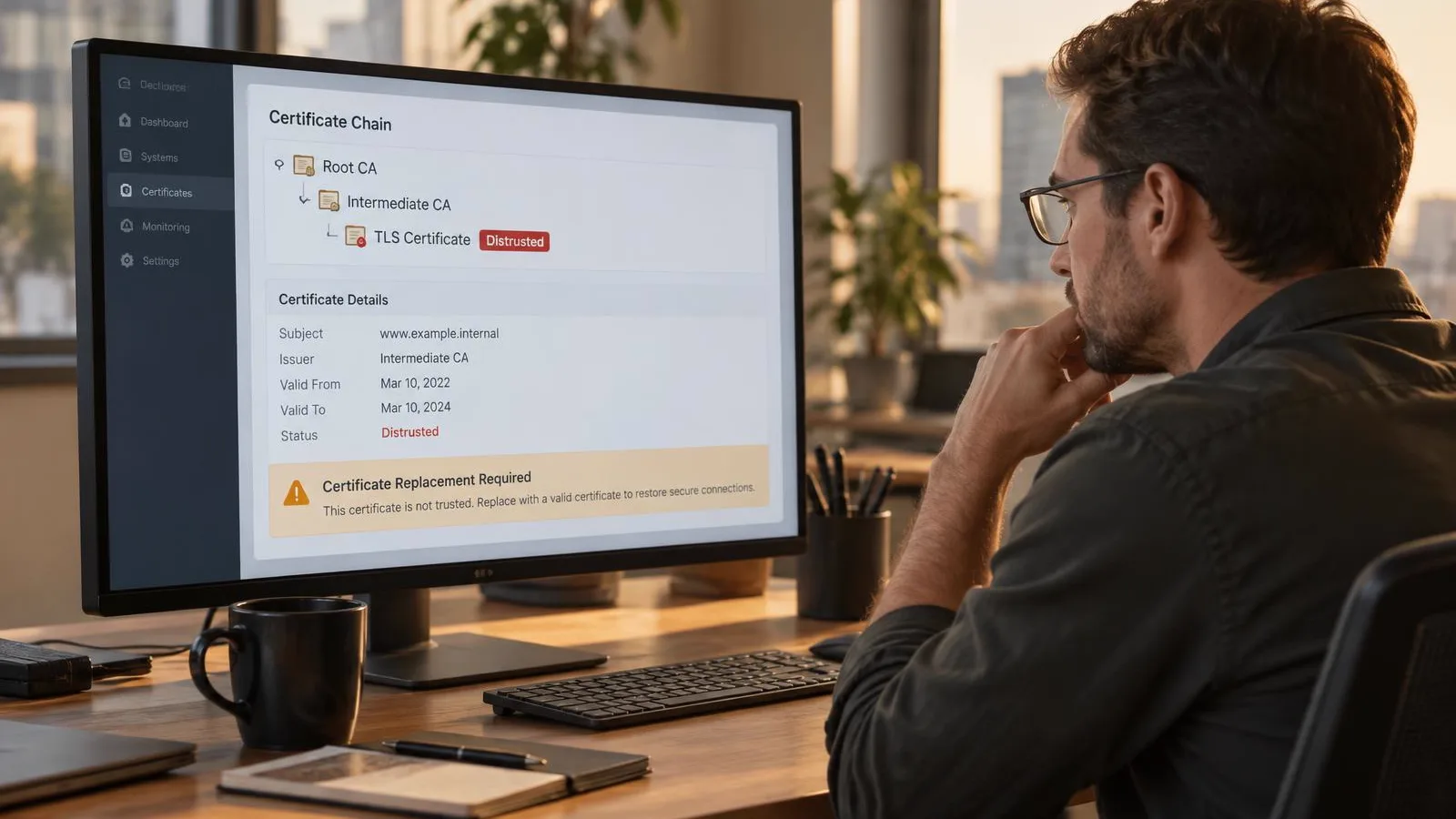
The Internet’s Trust Chain Broke: What the eMudhra Certificate Incident Means for Business Security
Eight eMudhra intermediate CA keys were recoverable due to weak entropy. Here is what it means for HTTPS, trust stores and certificate management.
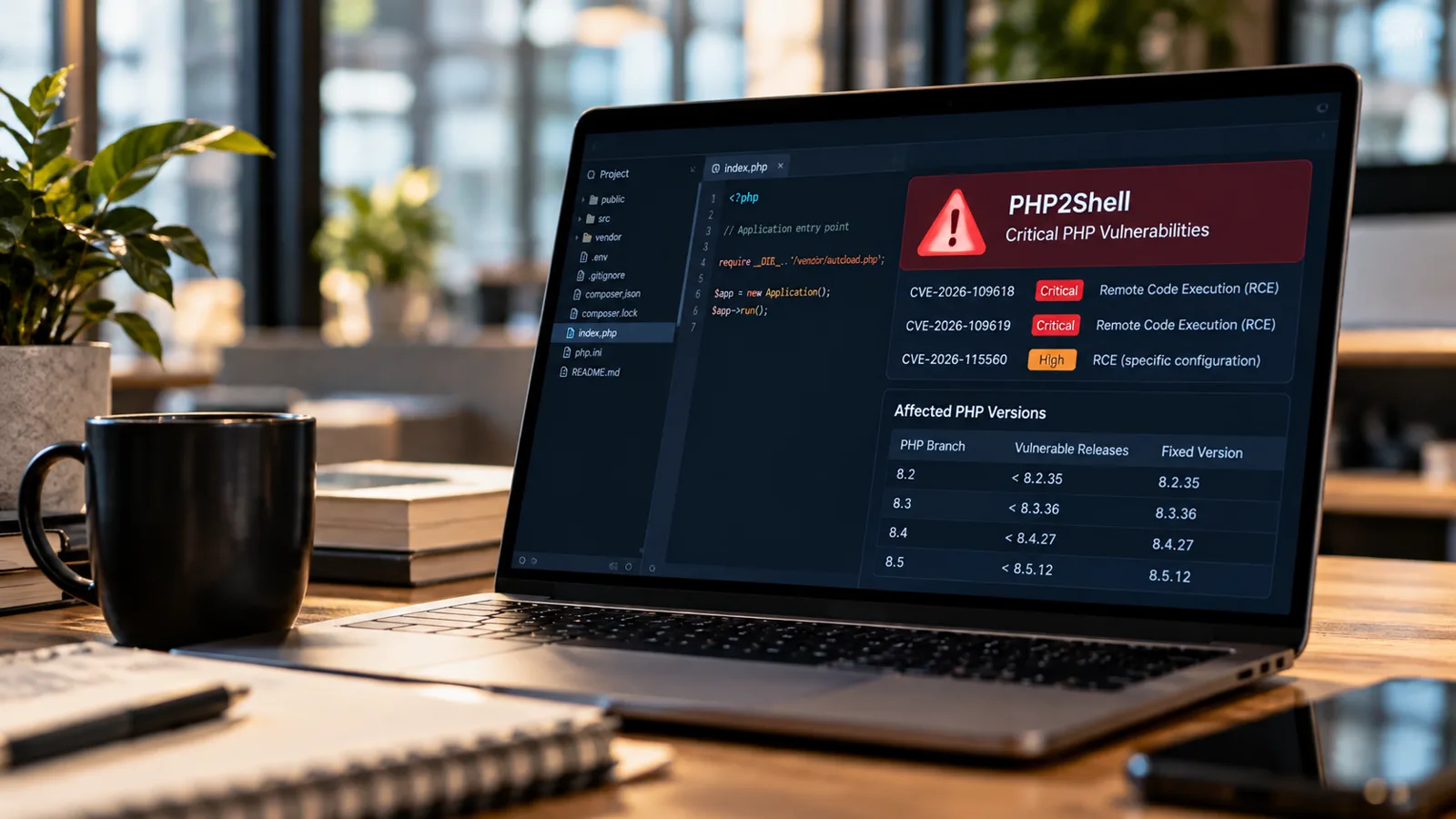
PHP2Shell Emergency: What Businesses Need to Know About Critical PHP RCE Flaws
PHP2Shell lets attackers run code on unpatched PHP web servers without logging in. See fixed versions and what businesses should do now.
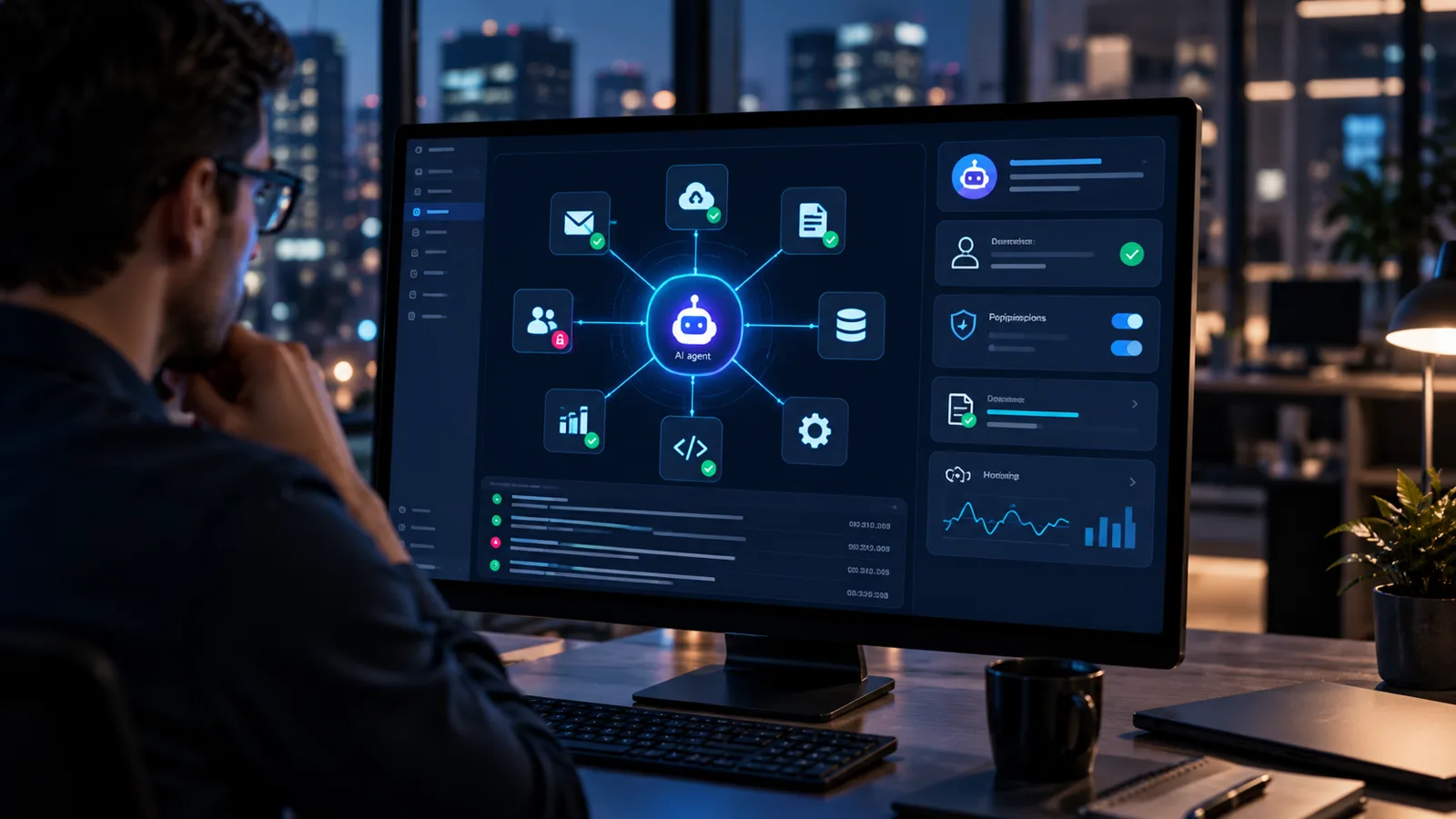
AI Agents Are Your Newest Insiders: Is Your Business Ready to Secure Them?
Microsoft now calls AI agents the newest insiders. Learn how to secure agent identities, permissions, MCP connections and prompt injection risk.